When your phone takes an unexpected dip, quick thinking is key. Here are the most important things to remember to give your device the best chance of survival.
Key Takeaways
- Turn off your phone right away to stop electrical damage.
- Remove any cases or accessories and gently dry the outside.
- Never try to turn it on or charge it while wet.
- Avoid using heat like a hairdryer; let it air dry or use silica gel.
- Don’t rely on the rice myth; it’s often ineffective and can cause more problems.
Immediate Actions For Phone Screen Water Damage
Okay, so your phone took an unexpected swim. It happens, right? Don’t freak out just yet. The first few minutes are super important for giving your device the best shot at survival. Acting fast can make a huge difference.
Power Down Your Device Instantly
This is the absolute first thing you need to do. Seriously, turn it off immediately. Don’t wait to see if it’s okay or to check your notifications. Water and electricity are a terrible combo, and leaving your phone on can cause short circuits that fry the internal components. Think of it like stopping a runaway train – you need to hit the brakes ASAP.
Remove Cases and Accessories
Get any protective cases, screen protectors, or even headphones out of the jack. These can trap moisture against the phone’s body or prevent air from getting to the internal parts. It’s like taking off a wet sweater; you want to let everything breathe and dry out.
Gently Dry the Exterior
Grab a soft, lint-free cloth – a microfiber one is perfect. Gently dab the outside of your phone. Avoid rubbing aggressively, as this could push water further into the device. You’re just trying to get the surface moisture off, not scrub it clean.
Remove SIM Card and Tray
Pop out your SIM card tray. This creates another little opening for air to circulate inside the phone. It also protects your SIM card itself from potential damage. If you have a microSD card, take that out too, if your phone allows for easy removal.
Remember, the goal here is to minimize any further damage. Every second counts, and these initial steps are your best defense against permanent harm. Don’t try to test it or plug it in; just focus on getting it powered down and as dry as possible on the outside.
Here’s a quick rundown of what to do:
- Turn off the phone immediately.
- Remove the case and any accessories.
- Gently pat the exterior dry with a soft cloth.
- Take out the SIM card and tray.
If you’re unsure about any of these steps, especially if your phone was submerged for more than a few seconds, it might be worth looking into professional help sooner rather than later.
What To Avoid When Your Phone Suffers Water Damage
So, your phone took an unexpected swim. Bummer. Now, before you go trying to ‘fix’ it with a bunch of questionable methods you saw online, let’s talk about what you absolutely should not do. Messing this part up can turn a potentially salvageable situation into a permanent paperweight.
Resist the Urge to Power On or Charge
This is probably the most important rule. When water gets inside your phone, it can short-circuit the delicate internal components. Trying to turn it on or plug it in to charge while it’s still wet is like playing Russian roulette with your device’s motherboard. Electricity and water are a terrible combination, and you risk causing permanent damage that drying alone can’t fix. Think of it like trying to start a car with a flooded engine – you just make things worse.
Do Not Use Heat Sources
I know, I know, you’re thinking a hairdryer or maybe even the oven (please, no!) will speed things up. Bad idea. Intense heat can warp plastic parts inside your phone, melt seals that are supposed to keep water out, and even damage the screen itself. It’s counterproductive and can cause more harm than good. Stick to gentle, passive drying methods instead. For more on what not to do with heat, check out this info on avoiding heat damage.
The Rice Myth Debunked
This one is everywhere, but it’s mostly a myth. Putting your phone in a bag of rice might absorb some surface moisture, but it’s not effective for the water trapped deep inside. Worse, rice dust and starch can get into ports and crevices, creating new problems. You might end up with a phone that’s still wet and clogged with rice debris. It’s a gamble that rarely pays off. Instead, consider using silica gel packets, like those found in shoe boxes; they’re much better at drawing out moisture. Leaving your phone to air dry for at least 24-48 hours is a much safer bet for proper drying.
It’s easy to panic when your phone gets wet, but acting impulsively with heat or power can seal its fate. Patience and the right approach are key to giving your device the best chance of survival.
Recognizing Signs of Phone Screen Water Damage
So, your phone took an unexpected dip. It might still seem to be working okay, but there are subtle (and sometimes not-so-subtle) clues that water has gotten inside and is causing trouble. Don’t just assume everything is fine because it powers on. Sometimes, the real damage shows up later, hours or even days after the initial incident.
Display and Screen Anomalies
This is often the most obvious place to start looking. Water or moisture trapped behind the screen can mess with how it displays images. You might notice:
- Flickering or unstable display: The screen might flicker on and off, or the brightness could fluctuate erratically.
- Dimming or shadowy areas: Parts of the screen might appear dimmer than others, or you could see strange shadowy patches that weren’t there before.
- Discoloration or blotches: You might see weird colored spots or areas that look like they’re stained, especially if you look closely at the screen’s surface or behind it.
- Unresponsiveness: Touch input might become spotty, with certain areas of the screen not registering your taps or swipes.
Audio and Charging Issues
Water can wreak havoc on the delicate internal components responsible for sound and power. Keep an ear out for these problems:
- Muffled or distorted speaker sound: If music or calls sound fuzzy, tinny, or just plain weird, it could be water affecting the speakers.
- Microphone problems: People on the other end of your calls might complain they can’t hear you clearly, or your voice sounds distant.
- Charging port irregularities: The phone might refuse to charge, charge intermittently, or display a "moisture detected" warning even after it’s dry. Corrosion can also build up in the charging port over time.
Device Performance and Indicators
Beyond the screen and sound, the overall behavior of your phone can signal water damage. Look for these signs:
- Sudden battery drain or overheating: If your battery life plummets unexpectedly or the phone gets unusually hot, it could be a sign of internal short circuits.
- Random reboots or shutdowns: The phone might start restarting itself without any input, or shut down completely without warning.
- Liquid Contact Indicators (LCIs): Most phones have small stickers, often inside the SIM card tray or ports, that change color (usually to red or pink) when they come into contact with liquid. This is a direct indicator of moisture exposure. You can check out how to check LCIs if you’re unsure where to find them.
It’s important to remember that even if your phone seems to be functioning normally after a spill, internal corrosion can still be happening. This is why it’s best to address potential water damage proactively rather than waiting for obvious symptoms to appear. Sometimes, the phone might look fine on the outside, but the real trouble is brewing within its circuits.
If you notice any of these symptoms, it’s a good idea to stop using the phone and start the drying process immediately. Ignoring these signs could lead to more severe and permanent damage down the line, potentially making professional repair more difficult or even impossible.
Drying and Recovery Methods For Wet Phones
So, your phone took an unexpected dip. Don’t freak out just yet. While it’s a bummer, there are a few things you can try to coax it back to life. The key here is patience and avoiding actions that could make things worse.
Air Drying in a Ventilated Space
This is probably the simplest method, and it’s a good first step. After you’ve gently dabbed the exterior dry with a soft cloth and removed any cases or accessories, you want to let it air out. Stand the phone upright, if possible, so gravity can help any lingering moisture escape from ports. Find a spot that’s cool, dry, and has good air circulation. Think of a shelf in a well-ventilated room, not a steamy bathroom. Give it at least 24 to 48 hours to dry completely. Seriously, resist the urge to turn it on early. You’re trying to let nature do its thing, slowly and steadily.
Utilizing Silica Gel Packets
You know those little packets that come with new shoes or electronics? Those are silica gel, and they’re way better at absorbing moisture than rice (more on that later). If you’ve saved a bunch, now’s the time to use them. Grab a sealable plastic bag and fill it with a good amount of these packets – aim for around 100 grams if you have it. Then, bury your phone completely within the packets. Seal the bag and leave it for a couple of days. This method creates a super-dry environment that actively pulls moisture out of your phone. It’s a pretty effective way to help mitigate water damage.
Professional Water Damage Cleaning
Sometimes, despite your best efforts, your phone just won’t cooperate. If you’ve tried the drying methods and it’s still acting up, or if you suspect significant internal damage, it might be time to call in the pros. Repair shops have specialized tools and techniques, like ultrasonic cleaning machines, that can get into the nooks and crannies where water and corrosion might be hiding. They can also properly diagnose what’s going on. It’s often a better bet than trying to fix it yourself if you’re not comfortable with electronics. They can often assess repair viability and even help with data recovery if the phone is beyond simple repair.
Water damage isn’t always obvious right away. Moisture can linger inside your phone for days or even weeks, causing corrosion and short circuits long after the initial spill. That’s why it’s so important to be patient with the drying process and consider professional help if you’re unsure.
Understanding Phone Water Damage Repair
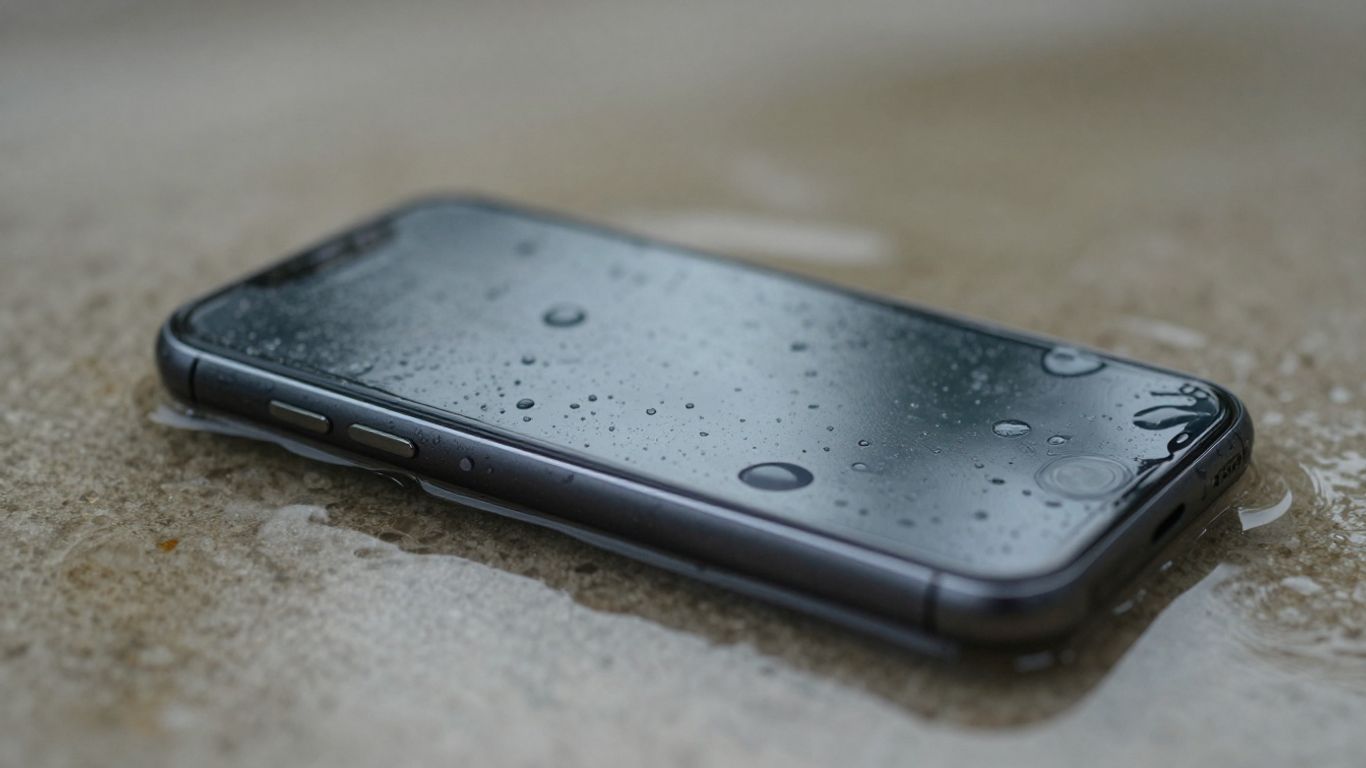
So, your phone took an unexpected swim. Now what? When it comes to fixing a water-damaged phone, acting fast is key. The longer moisture lingers inside, the more damage it can do. It’s not just about the initial splash; corrosion can start creeping in and cause problems days or even weeks later.
When Professional Repair Is Necessary
Sometimes, you just can’t fix it yourself. If your phone took a serious dunk, especially in something other than clean water (think coffee, soda, or saltwater), professional help is probably your best bet. Trying to fix it yourself when you’re not sure what you’re doing can sometimes make things worse. Technicians have special tools and cleaning solutions that can get into the nooks and crannies where water likes to hide. They can also properly diagnose what components are failing. For instance, if your phone’s display is acting up or it won’t charge, a pro can figure out if it’s a simple fix or something more serious.
Assessing Repair Viability
How do you know if your phone is even worth fixing? Well, a lot depends on how quickly you acted and what kind of liquid it was. If you powered it down right away and got it to a repair shop within a day or two, your chances are pretty good. Saltwater and sugary drinks are tougher to deal with than plain water, though. A repair shop can often tell you pretty quickly if it’s salvageable. They’ll look for signs of corrosion and test the main components. Sometimes, even if the phone seems dead, it can be brought back to life with specialized cleaning and component replacement. It’s a bit like assessing a house after a flood; you need to see how deep the damage goes.
Data Recovery Possibilities
Losing your photos, contacts, or important documents can be just as bad as the phone not working at all. If your phone is completely unresponsive, but the data is still there, a professional service might be able to retrieve it. This is a separate process from just fixing the phone to work again. They have advanced techniques to pull information directly from the memory chips. It’s not always guaranteed, but it’s often possible, especially if the memory chip itself wasn’t damaged by the water. Think of it as a last resort to get your memories back, even if the phone itself can’t be saved. You can look into data recovery services if this is a major concern.
It’s important to remember that water resistance ratings on phones aren’t a green light to go swimming with them. They’re designed for accidental splashes or brief submersion, not for prolonged adventures underwater. Even phones with high IP ratings can be compromised by certain liquids or conditions.
Preventing Future Phone Screen Water Damage
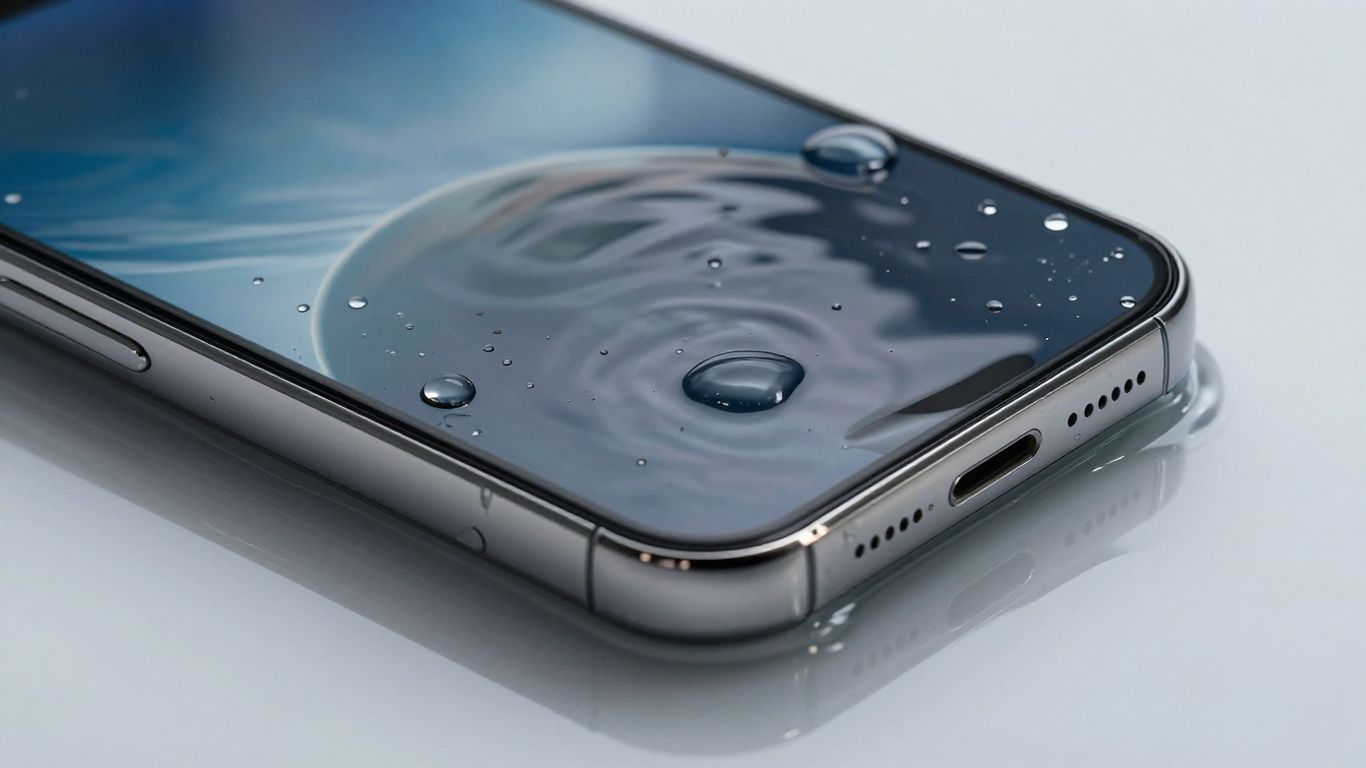
It’s a bummer when your phone takes an unexpected dip, right? We’ve all been there, or at least know someone who has. While some phones today boast water resistance, it’s not a free pass to take your device swimming. Being proactive is way better than dealing with a soggy phone later. Taking simple precautions can save you a lot of hassle and money.
Protective Cases and Pouches
Think of a good case as your phone’s personal bodyguard against spills and splashes. There are tons of options out there, from rugged cases that offer a good seal to specialized waterproof pouches. These pouches are fantastic for beach days, boat trips, or even just lounging by the pool. They create a barrier that keeps water out, letting you use your phone without constant worry. Some even let you operate the touchscreen through the plastic, which is pretty neat.
- Waterproof Pouches: Great for full submersion protection. Look for ones with secure locking mechanisms.
- Rugged Cases: Offer good splash and drop protection, often with port covers.
- Floating Cases: If you’re often near water, these can literally save your phone from sinking.
Mindful Usage Environments
Where you use your phone matters. That bathroom shower concert? Probably not the best idea. Kitchen counters during cooking? Spills happen. Even just keeping your phone in your back pocket near a toilet is a risk. Being aware of your surroundings and where you place your device can prevent many accidents. It’s about making small adjustments to your habits.
- Avoid using your phone in high-moisture areas like bathrooms or steamy kitchens.
- Don’t place your phone near open drinks, especially on unstable surfaces.
- Be extra careful when using your phone outdoors during rain or near bodies of water.
Awareness of Water Resistance Limitations
It’s easy to see "water-resistant" and think "waterproof," but they’re not the same thing. Most phones are rated for specific depths and durations, and this resistance can decrease over time with wear and tear. Saltwater and chlorinated water are also much harsher than fresh water. So, while your phone might survive a quick drop in the sink, it’s not designed for a deep dive or a prolonged soak. Always check your phone’s specific water resistance rating and understand what it can and cannot handle. For example, a phone with an IP68 rating can typically withstand submersion up to 1.5 meters for 30 minutes, but this is under controlled lab conditions. Real-world use can vary.
Remember that water resistance isn’t permanent. It can degrade over time due to normal wear and tear, or if the phone sustains damage like cracks in the screen or casing. It’s always best to err on the side of caution and treat your device as if it’s not waterproof, even if it has a high rating.
Investing in a good waterproof case is one of the smartest moves you can make to protect your tech investment. It’s a small price to pay for peace of mind.
Conclusion
Dealing with phone screen water damage can be stressful, but acting fast and avoiding common mistakes significantly increases your chances of saving your device. Remember to power it down immediately, dry it gently, and consider professional help if needed. While some damage is permanent, many issues can be resolved with the right approach. Staying aware of your phone’s limitations and taking preventative measures can save you a lot of trouble down the line.
Frequently Asked Questions
What’s the very first thing I should do if my phone gets wet?
The absolute first thing you need to do is turn your phone off. Like, immediately. Don’t wait to see if it’s okay. This stops electricity from messing with the wet parts inside, which can cause bigger problems.
Is putting my phone in rice a good idea?
Honestly, no. While it might seem like a good idea, rice often doesn’t get all the moisture out from deep inside your phone. Plus, tiny bits of rice dust can get into the ports and make things worse. It’s better to just let it air dry or use those little silica gel packets you get with new shoes.
Can I use a hairdryer to dry my phone?
You really shouldn’t. The heat from a hairdryer can damage the phone’s internal parts. It might seem like it’s drying things out faster, but it can actually cause more harm than good.
How long should I wait before turning my phone back on?
Give it time. At least 24 to 48 hours is a good rule of thumb. You want to make sure it’s as dry as possible inside. Trying to turn it on too soon is a common mistake that can fry your phone.
What if my phone still doesn’t work after drying?
If your phone still acts up or won’t turn on after you’ve tried drying it, it’s probably time to take it to a professional. They have special tools to clean out corrosion and fix water-damaged parts. Sometimes, they can even save your data.
Are phones really waterproof?
Most phones today are water-resistant, not fully waterproof. This means they can handle a quick splash or a short dunk, but they aren’t meant for swimming or being submerged for a long time, especially in things like saltwater or drinks. Always check your phone’s specific rating.
