When your phone takes an unexpected swim, here are the most important things to remember to give it the best chance of survival.
Key Takeaways
- Power down your phone *immediately* to prevent short circuits.
- Gently blot excess water and let it air dry; avoid heat and shaking.
- Silica gel packets are better than rice for absorbing moisture.
- Do not plug in or turn on your phone until it’s completely dry, which could take days.
- For severe damage or if DIY fails, seek professional repair services.
Immediate Actions For A Water-Damaged Phone
Okay, so your phone took an unexpected swim. Don’t freak out just yet! What you do in the first few minutes can seriously make or break its chances of survival. Think of it like first aid for your device. The goal is to stop any further damage from happening as quickly as possible.
Power Down Your Device Instantly
This is the absolute first thing you need to do. If your phone is still on, turn it off immediately. Don’t wait to see if it still works, and definitely don’t try to plug it in. Water and electricity are a terrible mix, and leaving it powered on is the fastest way to cause a short circuit that can permanently fry the internal components. It’s like giving it a fatal electric shock. If it shut off on its own, leave it that way. Resist the urge to press any buttons or try to turn it back on to check if it’s okay – that curiosity could be the end of your phone.
Remove External Accessories And Components
Next, get rid of anything that’s attached to your phone. This includes the case, obviously. If your phone has a removable battery, take that out right away. Also, pull out the SIM card and any memory cards. These steps not only help to prevent damage to these individual parts but also open up more pathways for moisture to escape and air to get in. It’s about giving your phone the best chance to breathe and dry out.
Gently Blot And Shake Out Excess Water
Grab a soft, absorbent cloth – a microfiber one is ideal, but a clean t-shirt or paper towel will do in a pinch. Gently blot the exterior of the phone to soak up any visible water. Then, with the phone facing downwards, carefully give it a few gentle shakes. The idea here is to let gravity help pull water out of the ports, like the charging port, headphone jack (if it has one), and speaker grilles. Don’t go crazy with the shaking, though; you don’t want to dislodge any internal components. Think gentle taps, not a full-on earthquake.
The longer water, especially if it’s not pure, sits inside your phone, the more corrosion can set in. This corrosion is what really causes the long-term damage, eating away at the delicate circuits. So, speed is your friend in these initial moments.
Here’s a quick rundown of what to do:
- Power Off: Hit that power button immediately. No exceptions.
- Remove: Take off the case, battery (if possible), SIM card, and memory card.
- Blot & Shake: Gently wipe down the outside and carefully shake excess water from the ports.
If you’re looking for more detailed advice on what to do after these initial steps, you might find information on phone repair steps helpful.
Debunking Common Water Damage Myths
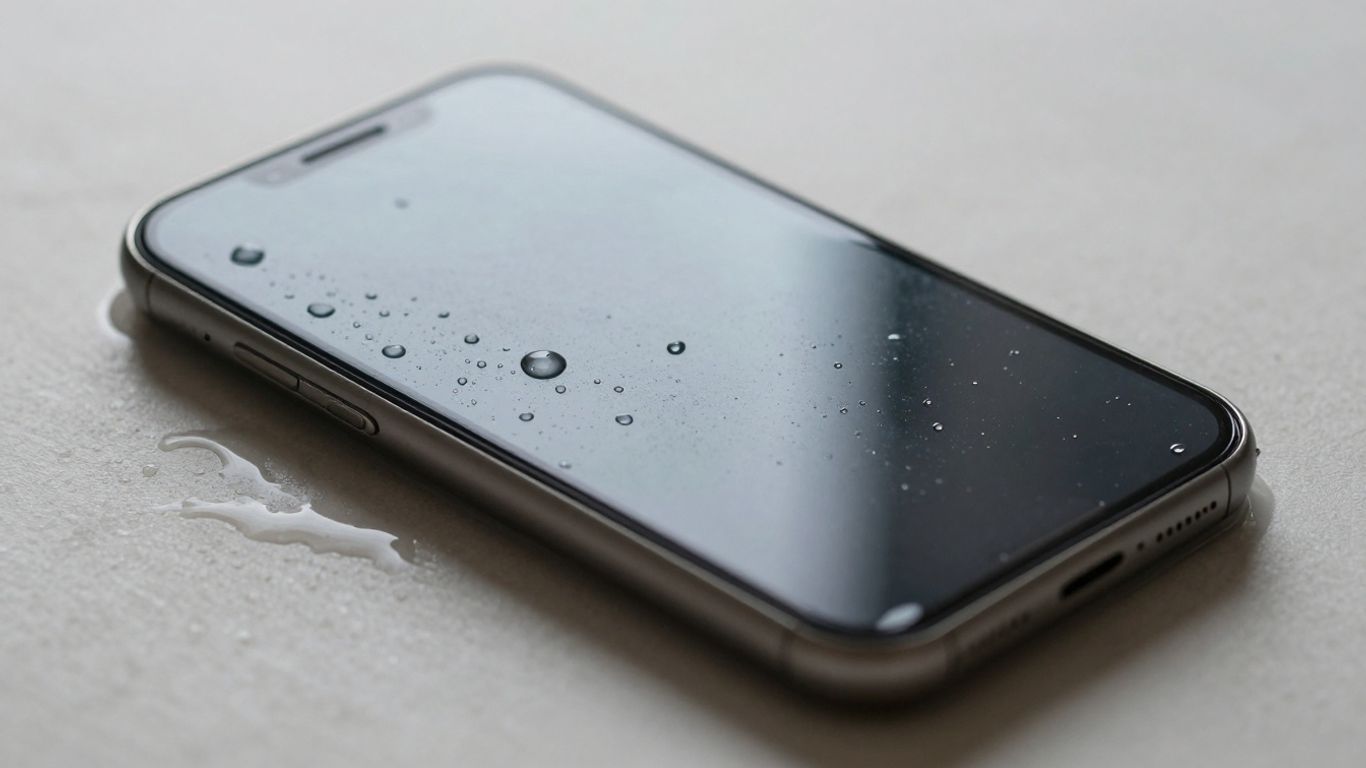
Okay, so your phone took an unexpected bath. It happens to the best of us, and the first thing most people do is panic. That panic often leads to trying all sorts of
Effective Drying Techniques For Your Phone
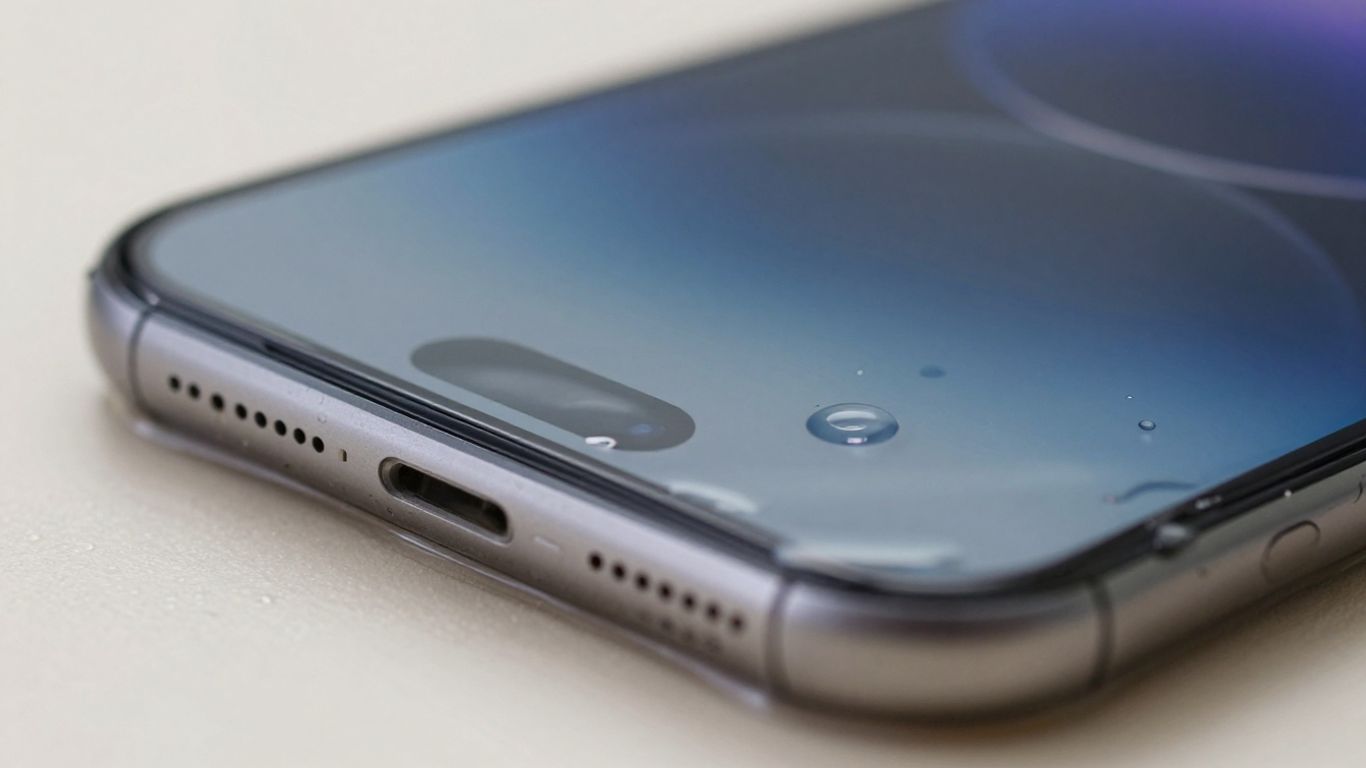
Okay, so your phone took an unexpected swim. Don’t freak out just yet. The next crucial step is getting all that moisture out, and there are some tried-and-true methods that actually work, unlike that old rice trick.
Utilize Airflow For Gradual Drying
This is probably the simplest and safest way to start. After you’ve gently blotted and shaken out the excess water, you want to encourage evaporation. Find a spot that’s dry and has decent air circulation. Think of a place where a breeze could get to it. You can even place your phone near a fan, but make sure it’s on a cool setting – never use heat. Heat can mess with the internal seals and adhesives, making things worse. Just letting it sit in a well-ventilated area for a good chunk of time is key. This process might take a while, so patience is your best friend right now. You’re basically letting nature do its thing, gently.
The Role Of Silica Gel Packets
Remember those little packets that come in shoe boxes or new electronics? Those are silica gel packets, and they’re surprisingly effective at absorbing moisture. If you’ve been saving them (good for you!), now’s the time to put them to work. Grab a sealable bag or container, toss in a bunch of these packets, and then place your phone inside. Seal it up tight. The silica gel will actively pull moisture out of the air and, consequently, out of your phone. It’s a much better option than rice because the gel beads don’t break down into dust that can clog up ports. You’ll want to leave your phone in there for at least 24 to 48 hours to give the silica gel ample time to do its job. It’s a slow burn, but it’s effective.
Allow Ample Drying Time
This is where most people slip up. You’ve done the blotting, you’ve used airflow, maybe even silica gel. It looks dry on the outside, right? Wrong. There could still be moisture lurking deep inside the phone’s components. Resist the urge to power it on or plug it in to ‘just check’. Seriously, don’t do it. You need to give it a minimum of 24 hours, and sometimes even longer, depending on how much water got in and how humid the environment is. Think of it like waiting for a cake to cool completely before frosting it – rushing the process leads to a mess. If your phone has a moisture detection warning, you absolutely must wait for that to clear on its own. Trying to bypass it is a recipe for disaster and could lead to permanent damage. It’s better to wait an extra day than to have to buy a whole new phone.
The biggest mistake people make is not waiting long enough. Internal components can stay wet even when the exterior feels dry. Patience here prevents a much more expensive problem down the line.
Here’s a quick rundown of what to do and what to avoid:
- Do: Use a fan on a cool setting.
- Do: Use silica gel packets in a sealed container.
- Do: Wait at least 24-48 hours, or until any moisture warnings disappear.
- Don’t: Use a hairdryer or any heat source.
- Don’t: Bury your phone in rice.
- Don’t: Plug it in or try to turn it on too soon.
If you’re dealing with something other than plain water, like saltwater or soda, you might need to give it a quick rinse with fresh water first, but only if it’s a water-resistant model. After that, follow these drying steps immediately. For more on water resistance, check out understanding water resistance ratings.
Understanding What Happens Internally
So, your phone took an unexpected dip. Beyond the immediate panic, it’s helpful to know what’s actually going on inside that sleek device when it meets liquid. It’s not just about the water itself, but the chain reaction it sets off.
The Corrosive Nature Of Liquids
Freshwater might seem harmless, but it’s just the beginning. Liquids, especially those with minerals or chemicals like saltwater, pool water, coffee, or soda, are far more aggressive. These substances can start eating away at the delicate metal components inside your phone. Think of it like rust on a car, but on a much, much smaller scale. This corrosion doesn’t just sit there; it actively degrades connections and can spread if not dealt with quickly. The longer these liquids linger, the more damage they inflict, making prompt action absolutely critical.
How Water Causes Short Circuits
Water conducts electricity, and that’s the real killer for your phone’s electronics. When your phone is powered on, electricity is flowing through its intricate circuits. If water gets onto these circuits, it creates unintended pathways for that electricity to travel. This is what we call a short circuit. It’s like a traffic jam for electricity, causing a surge that can fry sensitive components instantly. Even if the phone seems to work after drying, a past short circuit can leave lingering issues or cause failure down the line. This is why powering down immediately is so important; you’re cutting off the power source that the water can exploit.
Identifying Signs Of Internal Damage
Spotting internal damage isn’t always obvious, especially if the phone still powers on. However, there are clues. You might notice:
- Flickering or discolored screen: This can indicate moisture affecting the display connections.
- Unresponsive touch: If parts of the screen or the whole thing doesn’t react to your touch, internal components might be damaged.
- Speaker or microphone issues: Distorted sound or complete silence from these components often points to water ingress.
- Battery problems: The phone might drain unusually fast, shut off randomly, or refuse to charge.
- Strange error messages: Your phone might display warnings about moisture in ports or other system errors.
Even if your phone appears to be working fine after a spill, internal corrosion can be a slow-moving disaster. It’s like a hidden enemy, silently degrading components over time. This is why professional inspection, even if the phone seems okay, can be a good idea after a significant water incident. For more on what professionals can do, check out what professionals can do.
If you’re seeing any of these signs, it’s a strong indicator that internal damage has occurred. The longer you wait to address it, the harder it becomes to save your device. For a deeper dive into the first 24 hours, consider the first 24 hours critical.
When To Seek Professional Assistance
Okay, so you’ve done everything you can think of – powered it down, blotted it dry, maybe even used some silica gel packets. But what if your phone is still acting weird, or worse, completely dead? It might be time to call in the pros. Honestly, sometimes the damage is just too much for us regular folks to handle.
Assessing the Severity of Damage
How do you know if it’s beyond your DIY skills? Well, there are a few tell-tale signs. If your phone shows absolutely no life after a good 24 to 48 hours of drying out, that’s a pretty big red flag. Also, pay attention to specific components. Are the speakers still muffled? Is the camera lens foggy? These issues often point to internal problems that need a closer look. And let’s be real, if you have a really expensive phone, sometimes paying for a professional repair is still cheaper than buying a new one. It’s a tough call, but worth considering.
What Professionals Can Do
Repair shops have specialized tools and knowledge that we just don’t have at home. They can carefully take your phone apart, clean off any corrosion that’s started to form on the internal circuits, and check for any other hidden damage. They’ve seen it all, from sink dunks to coffee spills, and they know how to tackle the tricky bits. They can often diagnose problems that are invisible to the naked eye. Plus, many offer a warranty on their work, which is a nice bit of peace of mind. You can find places like Phone Clinic Repair or other local shops that specialize in this kind of thing.
Data Recovery Options
This is a big one for a lot of people. If your phone is a total write-off but has important photos, contacts, or other data you can’t afford to lose, a professional repair service might be your only hope. They have advanced techniques to try and retrieve information directly from the phone’s memory, even if the device itself is no longer functional. It’s not always guaranteed, but it’s definitely worth asking about if your data is precious. Sometimes, the logic board can be salvaged, allowing for data recovery.
Preventative Measures For Water Exposure
Look, nobody plans to drop their phone in the toilet or spill a latte all over it. It just happens, right? But a little bit of foresight can save you a whole lot of panic and potential repair bills down the line. Thinking ahead is way easier than dealing with a fried circuit board.
Using Waterproof Pouches And Cases
This is probably the most straightforward tip. If you know you’re going to be around water – think beach days, pool parties, or even just a really steamy bathroom – a waterproof pouch or case is your best friend. These aren’t just for show; they create a solid barrier against splashes and submersion. Seriously, invest in one of these; they’re relatively cheap and can be a lifesaver. Make sure it’s rated for the depth and duration you expect, and always test it before you rely on it with your precious device. It’s a simple step that can prevent a lot of heartache.
Being Mindful Of Drink Spills
We’ve all been there: reaching for your phone while holding a drink, or having a beverage precariously balanced on a table. Those little spills can turn into big problems fast. Keep drinks separate from your phone whenever possible. If you’re at a cafe or restaurant, try to place your drink on a different surface or further away from where your phone usually sits. It sounds obvious, but a moment of carelessness can lead to corrosion and short circuits.
Understanding Water Resistance Ratings
Most new phones these days boast some kind of water resistance, often an IP rating like IP68. It sounds impressive, and it is, to a degree. But it’s not a free pass to take your phone swimming. These ratings are usually tested under very specific, controlled conditions – think clean, fresh water, not moving, and for a limited time. Real-world scenarios, like saltwater, chlorinated pool water, or even just a drop from a height, can compromise that protection. So, while it’s good to know your phone can handle a quick splash or rain shower, don’t push your luck by deliberately submerging it or using it for water sports. Remember, water-resistant doesn’t mean waterproof.
The key takeaway here is that while modern phones have improved water resistance, it’s not foolproof. Treat your device with care around liquids, and always err on the side of caution. A little vigilance goes a long way in keeping your phone safe and functional.
Conclusion
Dealing with a water-damaged phone can be super stressful, but it doesn’t always mean the end of the line for your device. By acting fast and following the right steps, like powering it down immediately and drying it properly, you can really boost its chances of survival. Remember, sometimes the best move is to get it to a professional who can clean out any hidden gunk and corrosion. Keep your phone safe from spills and splashes in the future, and if disaster strikes again, you’ll know what to do. Stay calm, act quickly, and hopefully, your phone will be back to normal in no time!
Frequently Asked Questions
What’s the very first thing I should do if my phone gets wet?
The absolute first thing is to turn it off right away. Don’t try to see if it still works or plug it in. This stops electricity from causing more damage inside.
Is it really true that rice doesn’t help dry a phone?
Yeah, it turns out rice isn’t the best. While it might soak up some water, tiny rice grains can get stuck in your phone’s ports and speakers, making things worse. Silica gel packets are a much better choice.
How long should I wait before trying to turn my phone back on?
You need to be patient! It’s best to wait at least 24 hours, and sometimes even longer, to make sure all the moisture is gone from the inside. Turning it on too soon is risky.
Can I use a hairdryer to dry my phone?
No, please don’t! Using heat, like from a hairdryer or an oven, can actually damage your phone’s battery and other sensitive parts. It can also push water deeper into the phone.
What if my phone was dropped in saltwater or something sugary?
Liquids like saltwater, juice, or soda are worse than plain water because they have stuff in them that can cause corrosion much faster. You should still try the drying steps, but your chances might be lower, and professional cleaning is more important.
When should I just give up and take it to a repair shop?
If you’ve tried drying it out for a couple of days and it still doesn’t work, or if it shows signs of serious damage like weird screen issues or no sound, it’s probably time for a pro. They have special tools to clean up internal damage.
