Accidents happen, and dropping your phone in water can feel like the end of the world. However, with quick thinking and the right actions, you can often save your device. Here are the most important things to remember if your phone takes a dip:
Key Takeaways
- Turn off your phone immediately to prevent electrical shorts.
- Remove all external accessories, SIM cards, and memory cards.
- Gently dry the outside of the phone with a soft cloth.
- Never try to charge, turn on, or use heat (like a hairdryer) on a wet phone.
- Avoid putting your phone in rice; it’s ineffective and can cause more problems.
Immediate Actions for Water-Damaged Phones
Okay, so your phone took an unexpected swim. It happens to the best of us, right? The first few minutes are super important, like, really, really important. Don’t just stand there staring at it; you need to act fast. The longer water sits inside, the more it can mess with the delicate parts.
Power Down Your Device Instantly
This is the absolute first thing you should do. Seriously, turn it off right away. Even if it seems to be working fine, leave it off. The reason is simple: water conducts electricity. When your phone is on, electricity is flowing through its circuits. If water gets in there, it can create a short circuit, which is basically like a tiny electrical explosion that can fry your phone’s insides. So, hit that power button and don’t turn it back on to check if it’s okay. That curiosity could be the end of your phone. If you can, remove the battery immediately, but most modern phones don’t let you do that easily anymore. Just powering it down is the best you can do in that first moment. This step is critical for preventing further damage and giving your phone a fighting chance. It’s the most important thing you can do right after it gets wet, even more than trying to dry the outside.
Remove All External Accessories and Cards
Next up, get rid of anything attached to your phone. This includes the case, obviously. Cases can trap water. Unplug any chargers, headphones, or other cables. If your phone has a SIM card or an SD card, take those out too. Usually, there’s a little tray you can pop out with a paperclip or a SIM ejector tool. Removing these things not only helps to get water out but also protects your SIM card, which holds all your contact information and service details. Think of it like removing anything that could block air from getting in or water from getting out. It’s a simple step, but it makes a difference.
Gently Dry the Exterior Surfaces
Once everything is off and removed, grab a soft, lint-free cloth – like a microfiber cloth you might use for glasses. Gently dab the outside of your phone. Don’t rub it vigorously or shake it. Shaking can actually push water further into the device, which is the opposite of what you want. You’re just trying to get the visible water off the surface. Pay attention to the ports, like the charging port and headphone jack, but don’t stick anything inside them. Just a gentle pat-down is all you need here. Let gravity do some of the work by standing the phone upright, perhaps with the ports facing downwards, if possible. This helps any residual liquid to drain out naturally.
The goal in these initial moments isn’t to magically fix the phone, but to stop the damage from getting worse. Every second counts, and quick, correct actions can significantly improve the chances of recovery.
Understanding What Not To Do
So, your phone took an unexpected swim. It’s easy to panic, but some common reactions can actually make things worse. Let’s talk about what you absolutely should not do.
Resist the Urge to Power On or Charge
This is probably the most important rule. Your phone’s internal components are not designed to handle electricity when wet. Turning it on, even just to see if it works, can create a short circuit. Think of it like trying to start a car with water in the engine – not a good idea. Charging it is even worse, as it actively pushes power into the system. You need to let it dry completely before even thinking about powering it up. This might mean waiting days, but it’s better than permanently frying your device. If you’re curious about what happens internally, it’s helpful to know that water conducts electricity, and this can cause immediate damage to the delicate circuitry [952d].
Avoid Common Household Remedies
We’ve all heard the rice trick. It sounds logical, right? Rice absorbs moisture. However, it’s largely a myth and a waste of precious time. Rice doesn’t effectively absorb water from inside the phone, and it can leave behind starchy dust that causes its own set of problems. Other
The Science Behind Water Damage
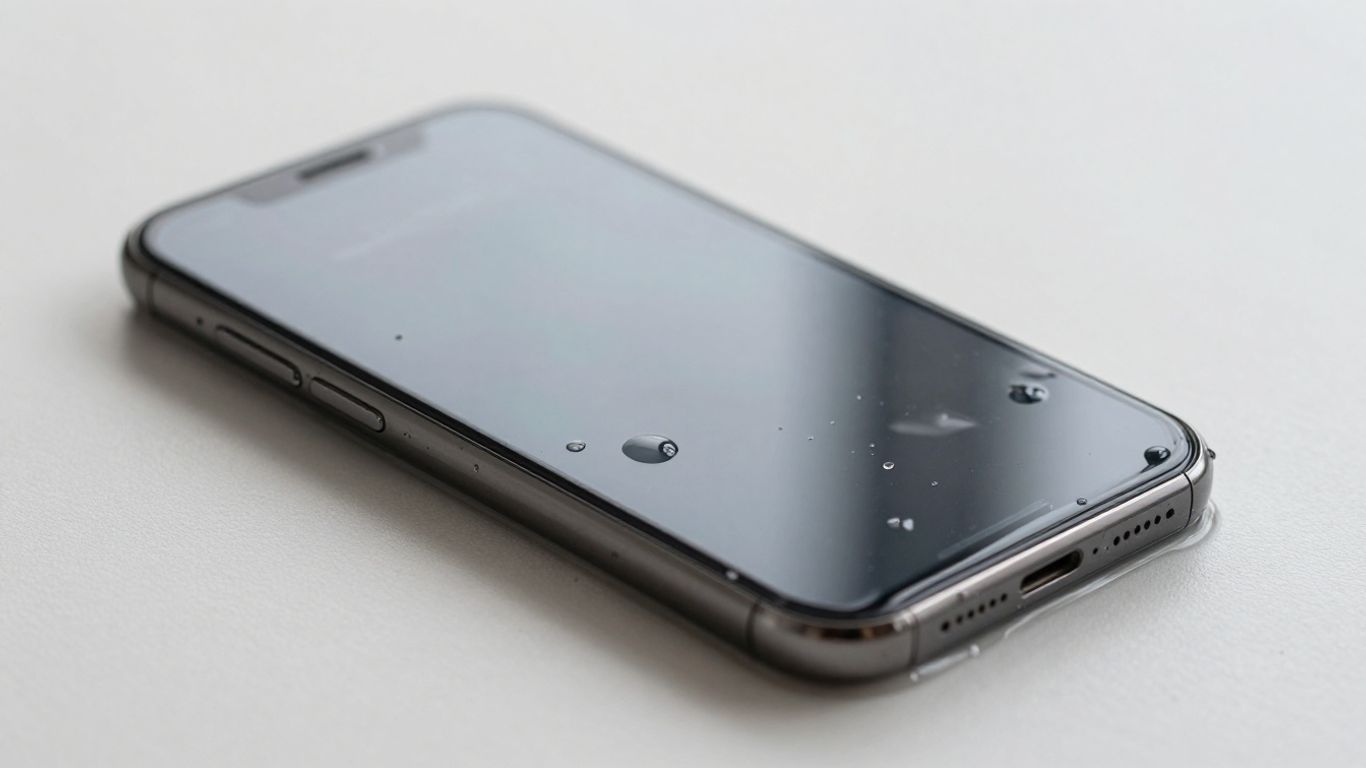
So, your phone took an unexpected dip. It’s easy to just think ‘water damage’ and move on, but understanding why it’s so bad can help you act faster and smarter. It’s not just about the water itself; it’s about what happens when that water meets your phone’s delicate insides.
How Water Conducts Electricity Inside Your Phone
Think of your phone’s internal components like a tiny, intricate city of electrical pathways. When everything is dry, electricity flows where it’s supposed to, powering your apps and keeping things running. But introduce water, and things get messy. Water, especially if it’s not pure distilled water (which most liquids aren’t), contains dissolved minerals and ions. These little guys make water a conductor. When this conductive liquid seeps into your phone, it can create unintended bridges between electronic components, causing short circuits. This is like rerouting traffic through a park – it wasn’t designed for it and can cause chaos. These shorts can fry sensitive parts instantly, even if the phone was off when it got wet, because residual power can still be present.
The Corrosive Nature of Different Liquids
Not all liquids are created equal when it comes to damaging your phone. Plain tap water is bad enough, but liquids with dissolved solids like salt, sugar, or acids are far worse. Saltwater, for instance, is highly conductive and accelerates corrosion. Sugary drinks leave sticky residues that can gum up components and attract moisture. Even something like coffee or soda can introduce acids and sugars that eat away at metal contacts and circuit boards. The longer these liquids sit inside your phone, the more damage they can do. If your phone took a dive into anything other than clean water, the clock is ticking even faster.
Delayed Damage from Trapped Moisture
Sometimes, a phone might seem okay immediately after a spill, only to die days or weeks later. This is often due to trapped moisture. Water can get into tiny crevices, under chips, or behind seals where it’s hard to see or dry. Even after you’ve dabbed the exterior dry, this hidden moisture can slowly work its way through the device. Over time, it can cause corrosion to start, or it might trigger a short circuit when you least expect it. This is why it’s so important to give your phone ample time to dry completely, and why professional drying techniques are sometimes necessary, especially if you’re dealing with significant liquid exposure.
The real enemy isn’t always the initial splash, but the slow, creeping damage that can occur from residual moisture and the chemical reactions it triggers on delicate electronic parts. Patience during the drying process is key.
Assessing and Drying Your Device
Okay, so your phone took an unexpected swim. Now what? The next step is to figure out how bad the damage is and start the drying process. This isn’t the time to be impatient; a little extra waiting can make all the difference.
Allowing for Natural Air Drying
After you’ve powered down your device and gently dried the exterior, the best thing you can do is let it air dry. This means finding a safe, dry spot and leaving your phone alone. Think of it like letting a wet shirt hang out to dry – you don’t want to speed it up with intense heat. You can place it on a clean, dry towel, perhaps near a fan (but not directly in front of it, you don’t want to blow dust into it). The goal is gentle air circulation. Patience is key here; give it at least 24 to 48 hours. Resist the urge to check if it’s working every hour. Every time you power it on or plug it in too soon, you risk causing a short circuit if there’s still moisture inside.
Professional Drying Techniques
Sometimes, natural air drying just isn’t enough, especially if the phone was submerged for a while or in a liquid other than clean water. This is where professional services come in. They have specialized equipment, like ultrasonic cleaners or vacuum chambers, that can remove moisture and even residue from liquids more effectively than you can at home. These methods are designed to be gentle on the delicate internal components. If you’re considering this route, look for reputable repair shops that specifically mention water damage restoration. They can often assess the damage more accurately and have a higher success rate than DIY methods.
Signs Your Phone Has Suffered Water Damage
Even after drying, your phone might show signs that it’s been through a water ordeal. Keep an eye out for these indicators:
- Corrosion: Look closely at the charging port, speaker grilles, and any other openings. You might see a greenish or whitish residue, which is a sign of corrosion.
- Screen Issues: The display might flicker, show strange lines, have discolored patches, or simply not turn on at all.
- Audio Problems: Sound might be distorted, muffled, or completely absent from the speakers or microphone.
- Battery Drain: If your battery life suddenly plummets or the phone won’t hold a charge, it could be due to internal damage.
- Unusual Behavior: Random reboots, apps crashing unexpectedly, or the phone becoming unusually hot are also red flags.
If you notice any of these symptoms after your phone has had a close encounter with water, it’s a strong indication that internal damage has occurred, even if it seems to be working initially. The corrosion process can continue long after the phone has dried out.
It’s also worth checking your phone’s Liquid Damage Indicator (LDI). These small stickers, usually found in the SIM card tray slot or headphone jack, change color when they come into contact with moisture, often turning red or pink. This is a clear sign that water has gotten inside.
When to Seek Professional Repair
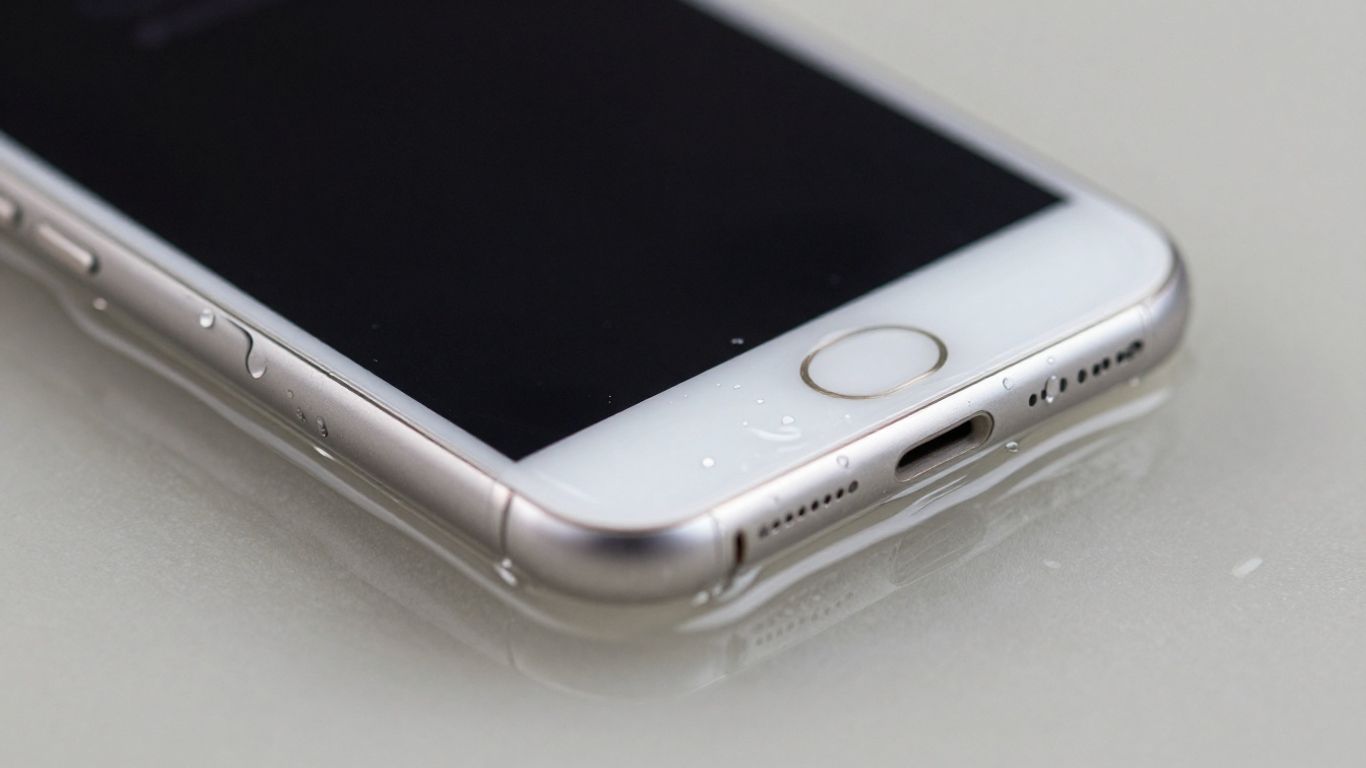
So, you’ve done all the immediate steps, and maybe even let your phone air dry for a good while. Now what? Sometimes, even with the best DIY efforts, a water-damaged phone needs a professional touch. It’s not always about whether you can fix it yourself, but whether it’s worth the risk and effort.
Understanding Professional Repair Services
Think of professional repair services as having the right tools and knowledge that most of us just don’t have lying around. They have specialized equipment, like ultrasonic cleaners, that can get into tiny nooks and crannies to remove moisture and corrosion that you can’t reach. They also have diagnostic tools to figure out exactly what’s wrong, which is a big help when your phone is acting up in mysterious ways. For example, places like Aloha Phone Repair by TCA Wireless have technicians trained specifically for these kinds of issues.
The Role of Data Recovery Specialists
This is a big one. If your phone holds precious photos, important documents, or contacts you can’t afford to lose, and it’s not powering on, data recovery becomes the top priority. Sometimes, the phone itself might be a goner, but the data on it can still be salvaged. Data recovery specialists use advanced techniques to pull that information off the device, even if it’s severely damaged. It’s a specialized field, and if your data is critical, it’s often worth the investment. They usually operate on a ‘no data, no fee’ basis, which is a good sign of their confidence.
Evaluating Repair Costs vs. Replacement
This is where you have to do a little math. How much is the repair going to cost? And how much is a new phone, or even a reliable used one, going to set you back? If your phone is older and the repair cost is high, it might make more sense to put that money towards a replacement. However, if it’s a newer device or the repair is relatively inexpensive, it’s probably worth fixing. It’s also worth considering if the repair shop offers a warranty on their work. Some places, like Express Mobile Techs, can give you a clear quote upfront so you can make an informed decision.
Here’s a quick way to think about it:
- High Repair Cost + Old Phone = Consider Replacement
- Low Repair Cost + New/Recent Phone = Likely Worth Repairing
- Critical Data + Phone Unresponsive = Prioritize Data Recovery
Don’t forget to factor in the sentimental value of your data. Sometimes, the cost of recovering irreplaceable photos or videos is far less than the emotional price of losing them forever. A professional assessment can give you a realistic picture of what’s possible.
Preventing Future Water Incidents
Look, accidents happen. We’ve all been there, right? That moment of pure dread when your phone takes an unexpected dip. While we can’t exactly wrap our devices in bubble wrap 24/7, there are definitely smart ways to keep them safe from water. Thinking ahead can save you a lot of hassle and money down the road.
Utilizing Water-Resistant Cases and Accessories
This is probably the most straightforward step. Grabbing a good water-resistant case is like giving your phone a personal bodyguard. These cases are designed to seal up all the ports and openings, creating a barrier against splashes, rain, and even brief submersion. It’s not just about dropping your phone in the pool; think about everyday things like a spilled drink at a cafe or getting caught in a sudden downpour. A solid case makes a huge difference. You can find cases that offer different levels of protection, so pick one that fits your lifestyle. For those who are really concerned, some cases even come with built-in screen protectors and secure latches. It’s worth checking out waterproof phone accessories to see what’s out there.
Mindful Usage in High-Risk Environments
This one’s all about being aware of where you are and what you’re doing. Certain places just scream “potential water disaster.” Think about the bathroom – steam can be just as bad as a splash. Kitchens are another hotspot with sinks and running water. And, of course, pools, beaches, and hot tubs are obvious culprits. It’s not about never using your phone near water, but about being extra careful. Maybe keep it in a bag when you’re by the pool, or avoid taking calls while you’re doing dishes. It sounds simple, but a little bit of caution goes a long way.
Being mindful of your surroundings and your phone’s proximity to liquids is key. Small habits, like keeping drinks away from your device or not using it while walking in the rain, can prevent major problems.
Understanding Device Water Resistance Ratings
Most new phones these days come with some kind of water resistance rating, usually an IP rating. You’ll see things like IP67 or IP68. What does that actually mean? Well, it’s a good indicator, but it’s not a guarantee. An IP68 rating, for example, means your phone can survive being submerged in a certain depth of water for a specific amount of time, usually under lab conditions. It’s not designed for prolonged underwater adventures or deep dives. Plus, these ratings can degrade over time, especially if your phone has been dropped or repaired. So, while it’s nice to know your phone has some protection, don’t push your luck. It’s more about surviving accidental splashes than intentional water exposure. It’s good to know the limits, and honestly, it’s probably best to treat even a water-resistant phone with a healthy dose of respect around water.
| IP Rating | Description |
|---|---|
| IP67 | Dust tight and can withstand immersion in water up to 1 meter for 30 minutes. |
| IP68 | Dust tight and can withstand immersion in water deeper than 1 meter for a specified time (often 30 minutes, but varies by manufacturer). |
Conclusion
Dealing with a water-damaged phone can be stressful, but remember that acting fast and avoiding common mistakes significantly improves your chances of recovery. While some situations might require professional attention, understanding the immediate steps and what not to do can often save your device and your data. Stay calm, follow the advice, and give your phone the best possible shot at a second life.
Frequently Asked Questions
What’s the very first thing I should do if my phone gets wet?
The absolute first thing is to turn it off right away. Don’t hesitate, just power it down. This stops electricity from flowing through the wet parts, which is what usually causes the real damage.
Is putting my phone in rice really a good idea?
Nope, it’s actually a myth and not a good idea at all. Rice doesn’t do a great job of sucking out moisture from deep inside the phone. Plus, it can leave behind dust and starch, which can cause other problems later on.
Can I use a hairdryer to dry my phone?
You really shouldn’t. The heat from a hairdryer can damage the delicate parts inside your phone, especially the battery. It’s better to let it air dry naturally or use a professional method.
How long should I wait before trying to turn my phone on?
It’s best to wait at least 24 to 48 hours, or even longer if possible. The longer it stays dry, the better your chances are. Patience is key here; turning it on too soon is a big risk.
What if my phone still doesn’t work after drying it out?
If drying it out doesn’t fix the problem, it’s probably time to seek professional help. A repair shop can often clean internal components or replace parts that were damaged by the water.
Are water-resistant phones completely safe from water damage?
Most phones are water-resistant, not waterproof. This means they can handle a quick splash or a short dunk, but they aren’t meant for prolonged submersion. Different liquids, like saltwater or soda, are also more damaging than plain water.
